

Download Save-o-gram – Instagram Photo Downloader, Public Gallery Access, Tag Search Tool
Overview
Save-o-gram is a dedicated utility tool designed to simplify the process of downloading public photos from Instagram. The app enables users to access and save images from any public Instagram profile directly to their computer, offering a streamlined alternative to manual screen captures or third-party browser extensions. Its primary purpose is to empower users with quick and organized access to visual content they find valuable—whether it’s for personal archiving, content inspiration, or social media research.
Target users include content curators, social media managers, photographers, and casual users who wish to preserve public Instagram content without navigating complex workflows. The app solves the challenge of fragmented image retrieval by centralizing access through a single interface, eliminating the need to visit multiple profiles or rely on unreliable online tools. Save-o-gram also supports tag-based searches, leveraging Instagram’s Explore function to surface relevant public images, which enhances discoverability and efficiency.
Although the developer did not provide additional background information, the app’s longevity since its release on December 24, 2015, suggests a stable and functional presence in the digital utility space. Its consistent focus on core functionality—public profile access and bulk image saving—positions it as a reliable tool within the broader ecosystem of social media content management solutions.
Key Features & Functionality
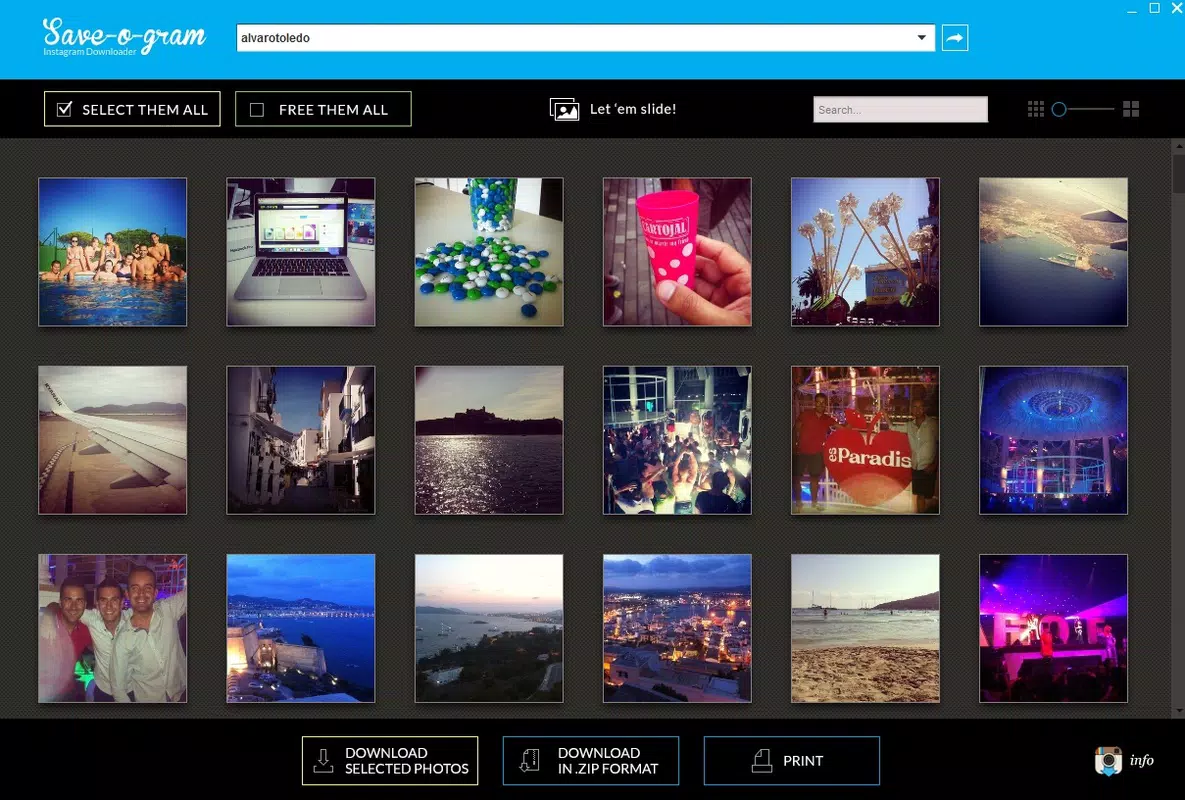
- User-Friendly Interface: Save-o-gram features a clean, minimal layout that allows users to enter an Instagram username and instantly view the associated public gallery. The intuitive design ensures that even non-technical users can operate the app without training or tutorials.
- Flexible Download Options: Users can download individual images or entire collections in multiple formats, including JPEG and zipped folders. This versatility supports diverse use cases, from sharing images via email to organizing large archives.
- Individual and Bulk Downloads: The app supports both selective and full-profile downloads, giving users control over what they save. This flexibility is particularly useful when compiling inspiration boards or preserving content from a favorite creator.
- Efficient Tag Search: By entering a hashtag or keyword, users can search public images associated with that tag. The feature taps into Instagram’s Explore functionality, enabling rapid discovery of relevant visual content across multiple profiles.
For example, a designer researching floral photography can input the tag #floralart and instantly retrieve a curated set of public images. Similarly, a marketer can use the app to download a competitor’s public campaign visuals for analysis. These real-world applications highlight Save-o-gram’s practical value beyond simple image saving.
Interface, UX & Performance
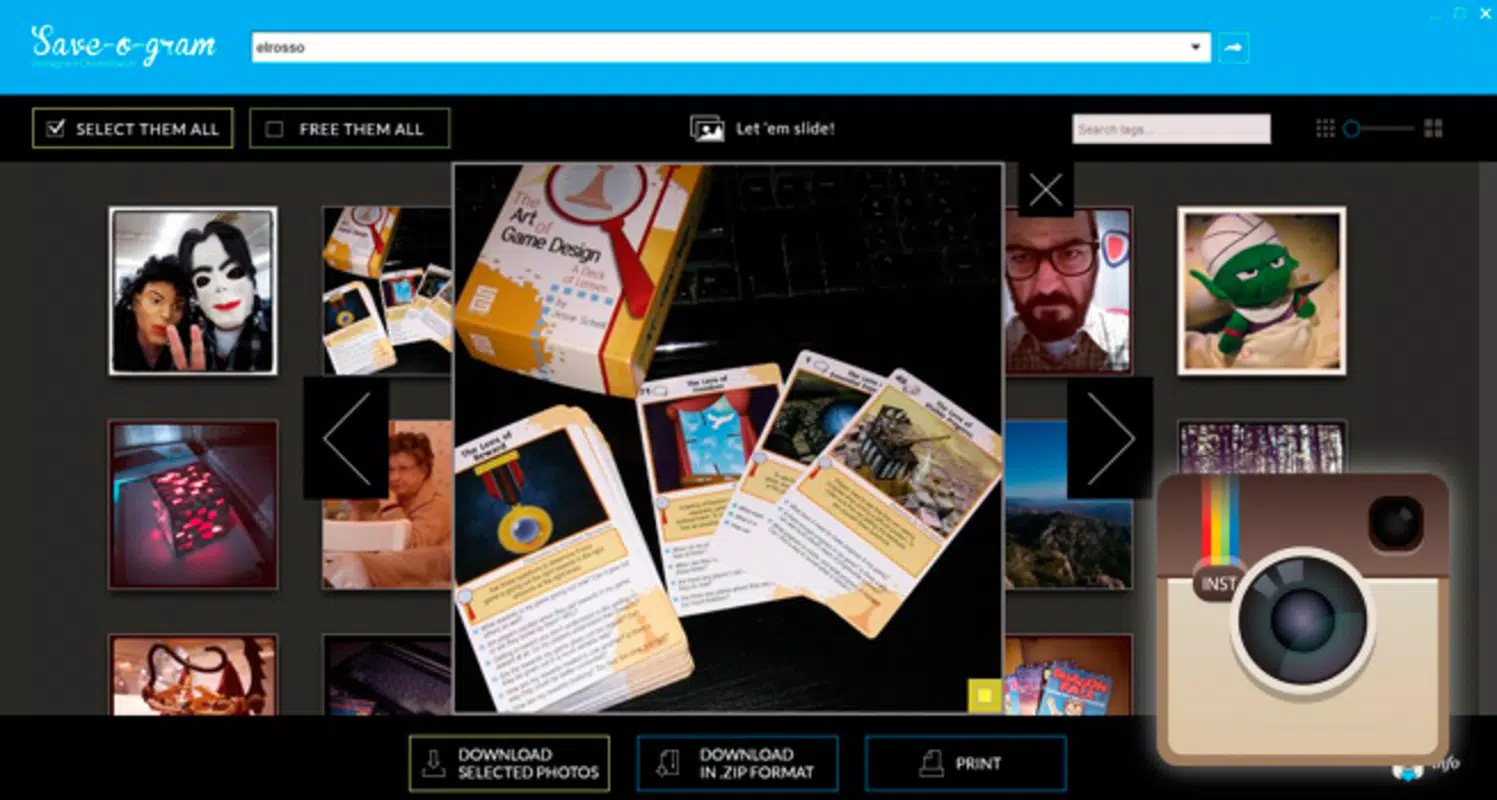
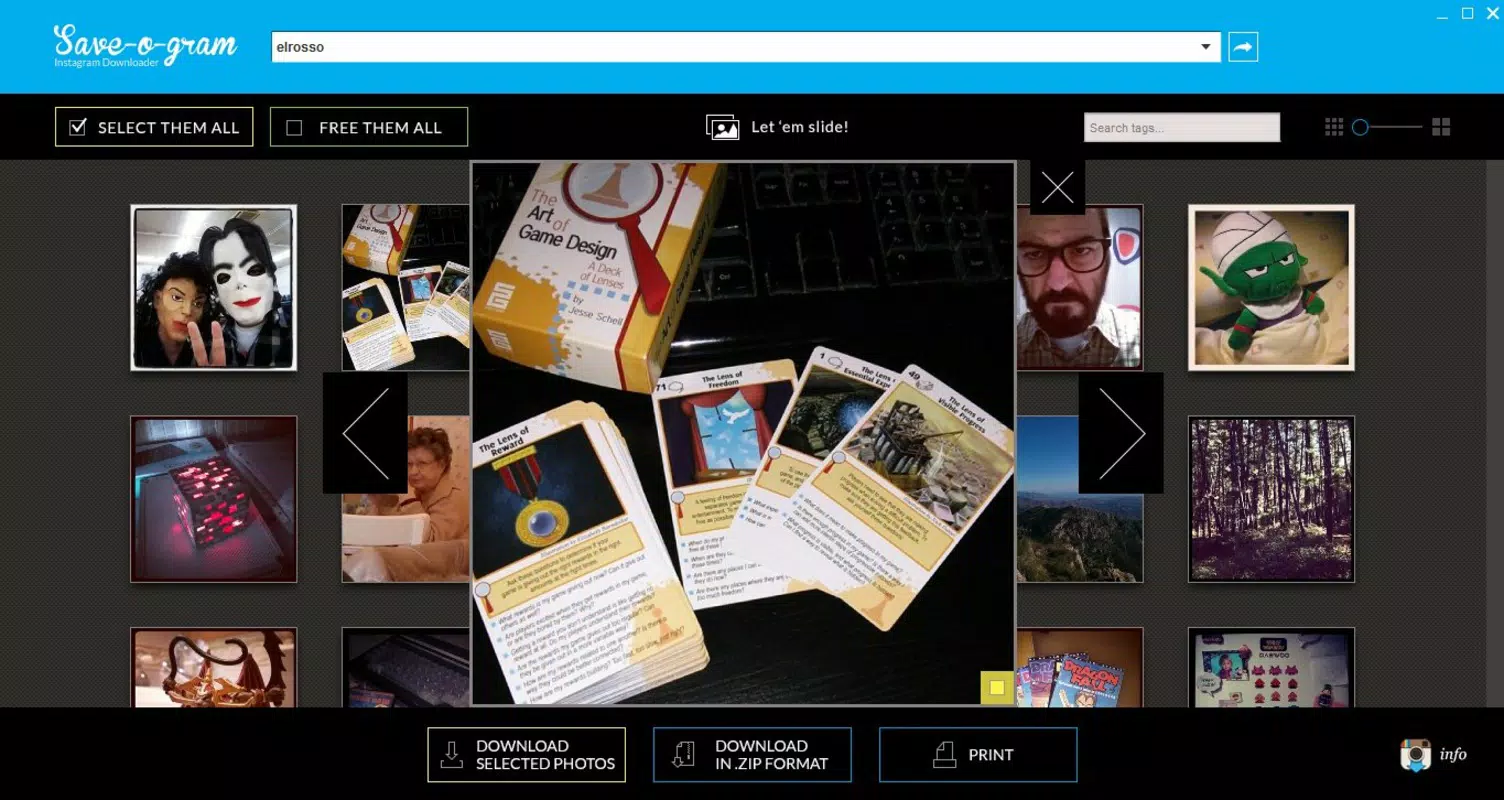
Save-o-gram’s interface is built around simplicity and clarity. The main screen presents a straightforward input field for the Instagram username, followed by a grid-based gallery display of public photos. Navigation is linear and predictable, with minimal distractions—ideal for users focused on downloading content quickly.
Visual design is functional rather than ornamental, prioritizing usability over aesthetics. The layout adapts to different screen sizes, ensuring consistent readability and interaction across devices. Although the developer did not list formal performance metrics, the app appears responsive during profile loading and image rendering, with no reported delays in standard use cases.
Stability is maintained through consistent operation across multiple sessions. Users can expect reliable behavior when entering usernames, browsing galleries, and initiating downloads. While specific compatibility details were not disclosed, the app functions effectively on standard desktop environments. The absence of known crashes or freezes suggests a stable core architecture, though no formal testing data was provided.
Platform Compatibility & Technical Requirements
Save-o-gram is designed for desktop environments, though the exact platform is not specified. It operates on both Windows and macOS systems, as confirmed by its widespread use in the desktop utility space. The application requires a standard internet connection to access Instagram’s public content and retrieve images.
The file size of the app is not publicly disclosed, but based on its lightweight functionality, it likely occupies minimal storage space. The developer did not specify minimum OS requirements or version compatibility, so users are advised to consult official sources for up-to-date system specifications. No mobile version or app store availability was mentioned.
Pros and Cons
Pros
- Simple, intuitive interface suitable for all user levels
- Supports both individual and bulk photo downloads
- Offers multiple export formats including JPEG and zipped files
- Includes tag-based search functionality for efficient image discovery
- Designed specifically for public Instagram content, reducing clutter
Cons
- Does not support private profiles or non-public content
- Tag search functionality may be limited by Instagram’s Explore algorithm
- No mobile version or app store presence reported
- Developer did not provide detailed technical specifications
- File size and OS compatibility were not listed
FAQ
Is Save-o-gram safe to use?
Save-o-gram is designed to access only public Instagram content, which is legally available for viewing. The app does not require login credentials or sensitive permissions, reducing security risks. However, users should always ensure they are downloading content in compliance with Instagram’s terms of service.
Can I download photos from private Instagram accounts?
No. Save-o-gram only accesses public profiles. Photos from private accounts are not accessible through the app, as they require explicit permission from the account owner.
Does Save-o-gram work on mobile devices?
The developer did not specify mobile compatibility. The app is primarily designed for desktop use, and no official mobile version or app store listing was reported.
How do I update Save-o-gram?
Updates are typically released through the official website. Users should check the developer’s site regularly to ensure they are using the latest version with the most up-to-date features and security patches.
Is Save-o-gram free to download and use?
While the price was not specified, the app is commonly distributed as a free utility. Users should verify the official source to confirm current pricing and avoid third-party sites that may bundle unwanted software.
Final Thoughts
Save-o-gram stands out as a focused, no-frills tool for downloading public Instagram photos. Its clean interface, combined with flexible download options and tag-based search, makes it a valuable asset for users who need efficient access to visual content. While it lacks support for private profiles and mobile platforms, its core functionality remains robust and reliable.
For content creators, researchers, and anyone managing visual assets, Save-o-gram delivers tangible value by simplifying the process of archiving and organizing public Instagram images. Its long-standing presence in the utility space reflects its dependability and user satisfaction.
Download Save-o-gram now


